


You can safeguard your online privacy and keep security from unwelcome third parties by making a few easy modifications to your devices and accounts.
It’s simple to get started. Here’s a rundown of some easy steps you can take to safeguard yourself and your data.
Create strong passwords
One of the simplest and most effective ways to protect your privacy is to create and maintain secure passwords.
We know you’ve probably heard a million times that using the same password for several accounts is a terrible idea, but it’s worth mentioning since, according to a poll conducted by Psychology of Passwords, the majority of individuals use the same password for many accounts.
Here’s a quick rundown of password security dos and don’ts:
Due to:
- Use two-factor authentication, which is also known as multi-factor authentication. It is incredibly effective and requires little effort.
- Change your passwords on a frequent basis, especially if you suspect a data breach.
- Use lengthy passwords. Complexity is less significant than length. With each new character, passwords become progressively more difficult to crack.
- For your device, create a master password. While a PIN is an option, a password with alphanumeric characters is more secure.
Do not:
- Don’t reuse passwords across numerous accounts.
- Make passwords out of easily accessible information like birthdays or the name of your pet.
- Use straightforward phrases like “password” or “12345.”
Uses a VPN
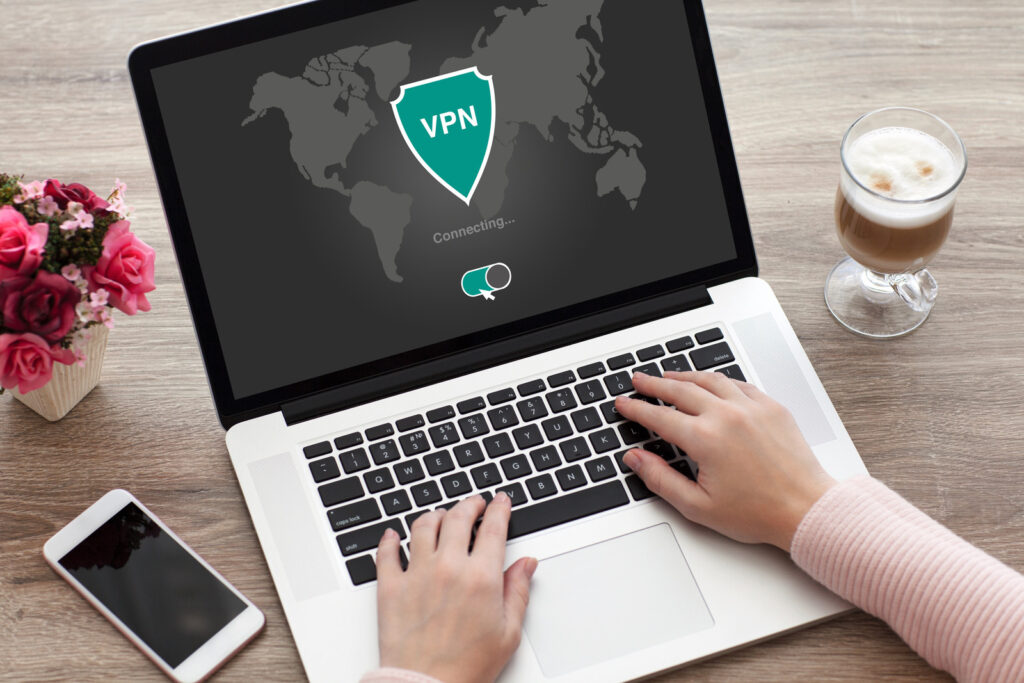
Investing in a high-quality VPN is the best thing you can do if you’re seeking a straightforward way to receive comprehensive online protection.
They are simple to set up and may give you some of the most complete protection against the most common internet privacy risks.
Some of the steps you can take to preserve your privacy are designed to repair the damage that has already been done. A VPN, on the other hand, will safeguard your Internet connection before it is harmed.
It creates a private network from a public Internet connection, giving you online privacy and anonymity. VPNs hide your Internet Protocol (IP) address, making your online activities almost untraceable.
When using a public Wi-Fi network, such as in a library, coffee shop, or other public location, their use is extremely vital.
Protect your e-mail
The biggest email services go to considerable pains to implement effective security measures and promptly address flaws.
However, none of these security methods can secure your emails if your provider is forced to hand over your information by a government agency. If you are concerned about government officials reading your emails, you will need to take further precautions to preserve your privacy.
The issue is that the majority of email encryption solutions are ineffective. End-to-end encryption, for example, is only possible if the recipient is aware of, willing to, and capable of participating in the process. After all, in order to read your communication, your recipient must first decode it.
Using a privacy-focused email provider with a dedicated encrypted webmail service is the most practical approach.
Update your software and devices
Operating systems for phones and computers, web browsers, popular apps, and even smart home devices all get regular updates with new features and security improvements.
These security upgrades are frequently far more effective than antivirus software at thwarting hackers.
Automatic updates are available for all three major operating systems, but you should double-check that you have them enabled for the one you choose – Windows, macOS, or Chrome OS.
New versions of Microsoft’s Edge browser and Apple’s Safari are among the updates. The majority of third-party web browsers, such as Google Chrome and Mozilla Firefox, update automatically as well.
You may need to check for and enable the “Check for updates” option in your program settings for third-party software and applications.
Smart home gadgets, such as cameras, thermostats, and light bulbs, may receive both software and hardware upgrades. Check the device’s app settings to make sure these updates happen automatically; otherwise, you may have to restart the device manually from time to time.
Surfing in private mode
Browse in private mode if you don’t want your computer to save your browsing history, temporary Internet files, or cookies.
This type of privacy protection is available through web browsers. It’s known as Incognito Mode in Chrome. For its privacy feature, Firefox calls it Private Browsing, whereas Internet Explorer calls it InPrivate Browsing. Others won’t be able to monitor your surfing history from your machine if you use these options when browsing.
However, these private modes aren’t entirely private. Your Internet Service Provider (ISP) can observe your surfing behaviour even if you search in incognito or private mode. Your employer can search on a business computer if you do. You can be tracked by the websites you visit.
Yes, browsing incognito has certain advantages. However, it is far from the only tool available to help you retain your online privacy.
Anti-malware and firewall software should be purchased
Anti-malware and firewalls are no longer limited to computers. With the advancement of mobile technology, it’s more necessary than ever to protect yourself from fraudulent apps, processes, and programs that try to steal your data, money, or identity.
Anti-malware programs continuously check your Android device for strange or malicious items and notify you. Your anti-malware will stop any website that tries to download a harmful file, divert you to a risky website, or compromise your security.
Firewalls manage the traffic that enters and exits your device. A firewall can help you keep apps under control because you have limited influence over their behaviour once you download them. They keep track of app actions to ensure that they don’t download or transfer illicit information from your device.
The firewall will automatically block some traffic and assist you in regulating what traffic is allowed through, depending on your settings.
A one-way firewall will help secure your phone or tablet from viruses, but a two-way firewall will protect your privacy much more.

Download only trusted applications and regularly check permissions
There are applications for everything these days. Apps, like anything else you download, can contain malware or other concerns that compromise your privacy.
There are various things to consider before downloading an app to safeguard yourself:
- Only download software from reputable sources and developers: If you’re downloading an unfamiliar app, read the reviews and ratings to see what other users have to say about it.
- Examine the permissions that an app seeks carefully. Apps that request unneeded information should be avoided. Be aware of any game that requires access to your address book, for example.
- Check the permissions of downloaded applications on a regular basis to ensure nothing has changed.
- If the location permission is not required for the operation of an app, disable it to avoid mistakenly broadcasting your movements.
Awareness
Finally, because security and privacy are intertwined, make it a habit to safeguard both:
- Links in emails and on social media should be avoided.
- Keep your accounts private and don’t disclose information you wouldn’t mind leaking if it did.
- Make your primary email address and phone number as confidential as possible.
- For shopping and other online activities, use a temporary email account that you don’t care about; this way, if an account is hacked, it won’t be linked to a sensitive personal account like your bank account.
You’ll be well on your way to avoiding numerous privacy-invading practices once you’ve become aware of/wary of new programs and services.
“Who needs privacy online? I love sharing every detail of my life! 🙃”
“Who needs privacy online anyway? Share everything with the world! #NoFilterNeeded”
“Who needs online privacy when the government is watching us through our microwaves? 🤔”
Comment: Honestly, I’d rather let my online life be an open book. Who needs privacy anyway? 🤷♂️ #LivingOnTheEdge
Comment: Well, to each their own, I guess. But privacy is not just about hiding secrets, it’s about protecting your personal information from those who could misuse it. So, maybe reconsider before you end up regretting it. 🤷♀️ #JustSaying
“Creating strong passwords is a hassle! Can’t we just use ‘123456’ and be done with it?”
Are you serious? Using ‘123456’ as a password is like leaving your front door wide open. It’s an open invitation for hackers to walk right in and help themselves to your personal information. Take some responsibility for your security and create a strong password, it’s not that difficult.
“Who even needs privacy online? I love getting spam emails and identity theft!”
Wow, I can’t believe someone actually enjoys spam emails and identity theft! Well, I guess we all have our peculiar preferences. But for the rest of us who value our privacy and security, protecting our personal information online is absolutely essential.